Official product website

#Easy Mail - Email Access

A focused Gmail client for reading, searching, composing, replying to, forwarding, and managing email from one mobile app.

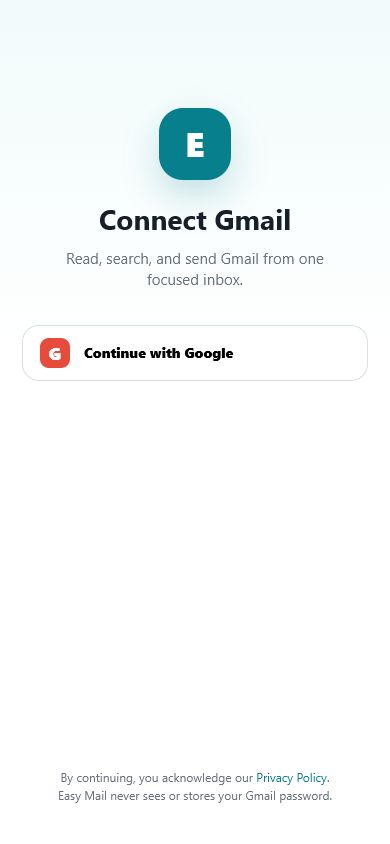
Easy Mail connects to Gmail only after you grant permission through Google OAuth. Easy Mail never sees or stores your Gmail password.

#Easy Mail - Email Access Gmail inbox screen

Actual #Easy Mail - Email Access prototype screen

Gmail features

Everyday email actions, clearly organized.

#Easy Mail - Email Access currently supports Gmail. It does not merge messages from different accounts; switching accounts shows the selected account's mailbox.

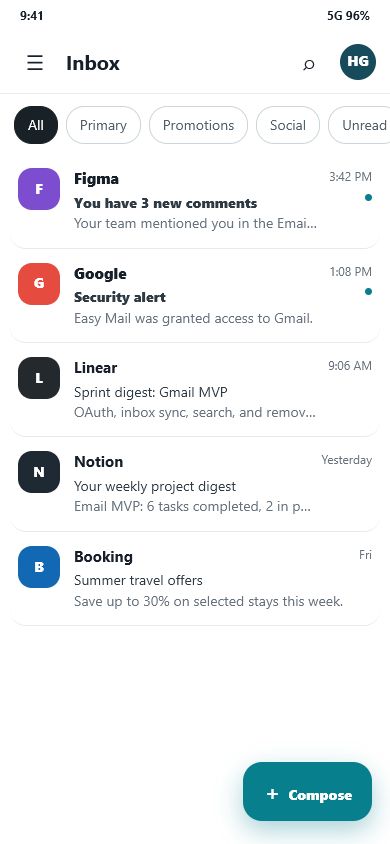
Read and search your Gmail inbox

Review message previews, open full message content, search by sender, subject, or message text, and filter the Inbox by Gmail category or unread status.

  • Inbox filters: All, Primary, Promotions, Social, and Unread
  • Message detail with attachments
  • Search results for the selected Gmail account
Easy Mail Gmail inbox with message filters

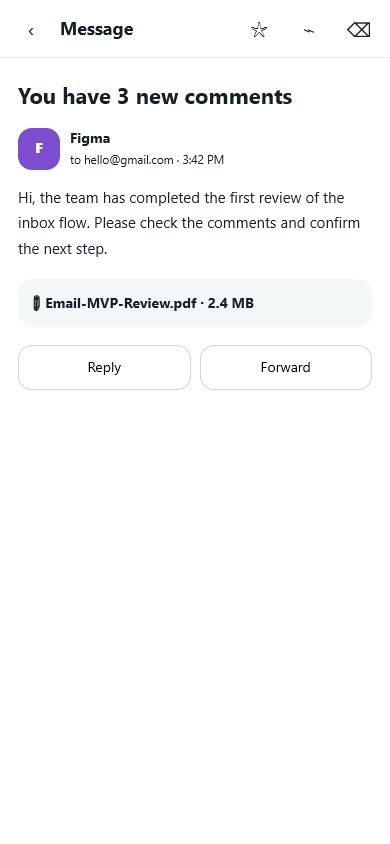
Reply and forward from message detail

Open a Gmail message, review its sender, recipients, content, and attachments, then reply to the sender or forward the message to another recipient.

  • Reply and forward actions
  • Star and move-to-trash controls
  • Attachment information shown with the message
Easy Mail Gmail message detail screen

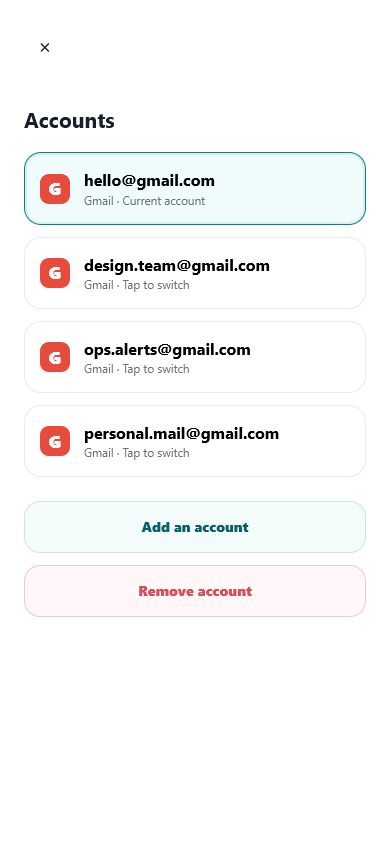
Switch between connected Gmail accounts

Add Gmail accounts, select the account you want to use, or remove an account from Easy Mail on the device. Removing an account does not delete messages stored in Gmail.

  • One current Gmail account at a time
  • Separate mailbox state for each connected account
  • Add and remove account controls
Easy Mail connected Gmail accounts screen

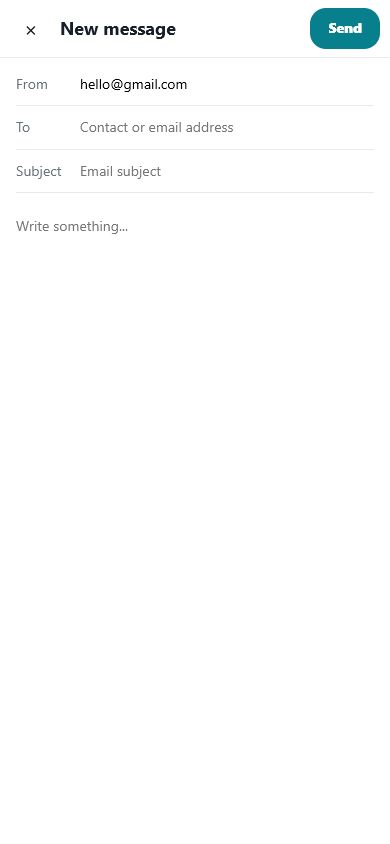
Compose and send Gmail messages

Create a new message using the selected Gmail account, enter recipients, subject, and message content, then send it or save it as a draft.

  • Compose, send, and draft workflows
  • Sent, Drafts, Starred, Spam, and Trash folders
  • New-mail notifications when permission is granted
Easy Mail compose Gmail message screen

Google user data

Why Easy Mail requests access to Gmail.

Easy Mail requests only the Google permissions needed to provide user-facing email functionality inside the app.

Read and display

Message metadata, content, labels, and attachments are processed to show the selected Gmail mailbox and message details.

Search and organize

Gmail data is processed when you search messages, change folders, apply supported labels, or move a message to Trash.

Compose and send

Recipient, subject, body, attachment, draft, reply, and forward data is processed only when you perform those actions.

Account control

OAuth tokens and account identifiers are used to maintain the Gmail connection until you remove the account or revoke access.

Easy Mail does not sell Google user data, use Gmail content for advertising, or use Gmail content to train generalized artificial intelligence or machine-learning models. See the Privacy Policy for access, retention, sharing, security, and deletion details.
Product screens

#Easy Mail - Email Access in use.

The images below are taken from the #Easy Mail - Email Access interactive product prototype.

Connect Gmail with Google OAuth
Connect Gmail
Current Gmail Inbox
Gmail Inbox
Connected Gmail accounts
Accounts
Compose a Gmail message
New message

Support

Contact #Easy Mail - Email Access

For product support, privacy questions, or account-access questions, contact the Easy Mail support team.

support@edentoolcenter.com